
Appearance
Staff and permissions
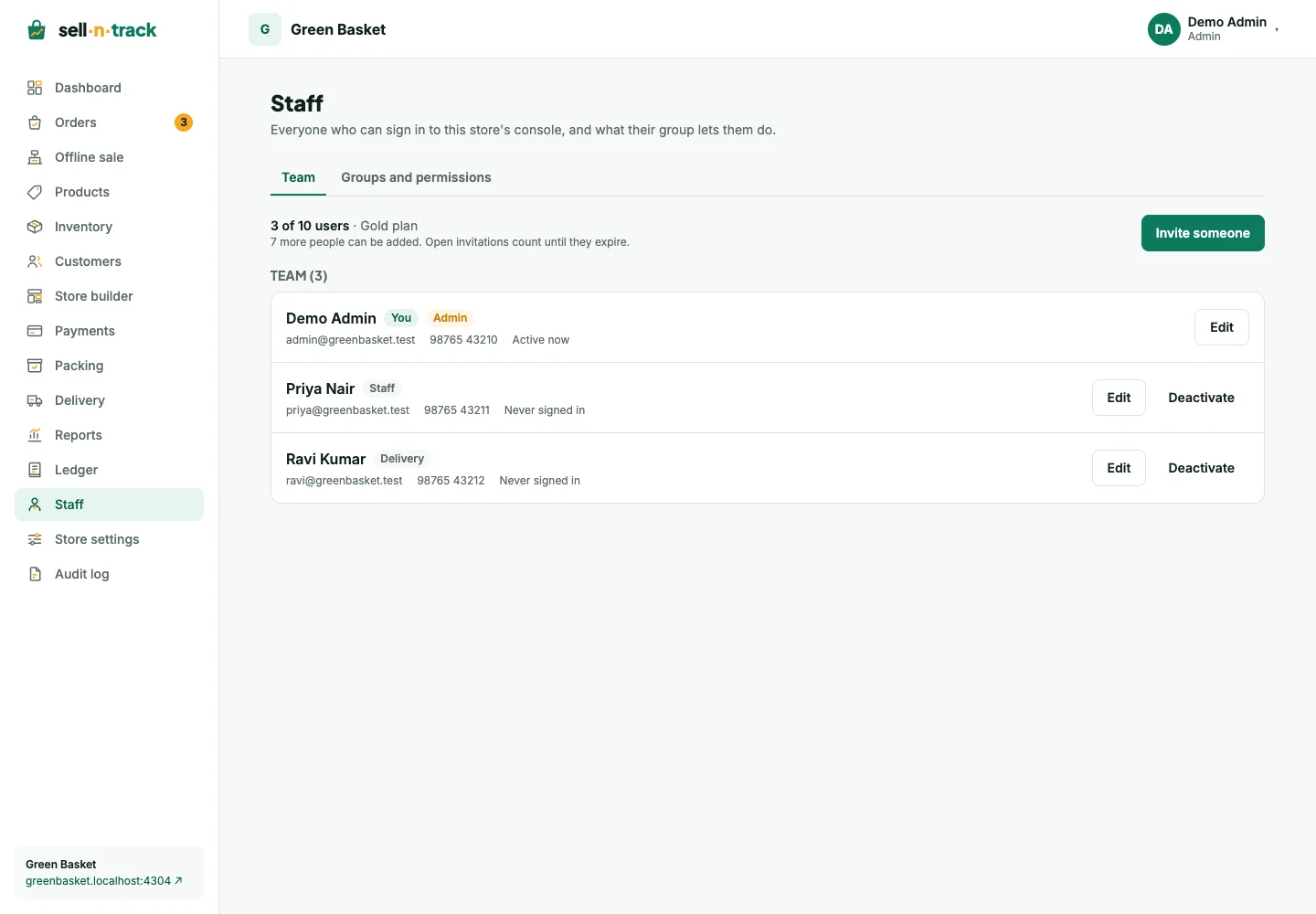
Give each person their own account and a group that matches their work. The menu and available actions follow that group's permissions.
Invite someone
- Open Staff and check the plan's user-place count.
- Choose Invite, enter their email and choose a group.
- Send the invitation. The list shows its delivery state.
- The recipient opens the link and accepts with an existing account or verifies their email and creates one.
An invitation expires after seven days. Resending makes a new link and invalidates the old one; repeated sends have a limit. Withdraw an invitation that is no longer needed. Invitation sharing is available only when the installation operator allows it.
Groups
The fixed Admin group has full store access. Other groups can separate viewing from editing and reserve actions such as deleting orders, refunding, managing the ledger or publishing the home page.
An editor may prepare the home page without being able to release it. Someone with ledger view only sees the list without Add or Edit. Group changes apply on the next request; signing out is not required to pick them up.
Packing and delivery assignments also matter. A team member can do their assigned job without having access to the full order-management screen.
Change or deactivate a member
Edit a person's group and allowed profile details from their member record. Changing their mobile clears its verification, so it needs verifying again.
Deactivate someone when they should stop using the store. Reactivation needs a free user place. You cannot deactivate yourself, and the store must keep an active administrator.
Audit history
The Audit log records changes with the person, time and target. Use it to trace stock adjustments, order status changes, tax settings, ledger changes and staff access rather than guessing who last edited a record.