
Appearance
Ledger and expenses
Record money out, such as rent or supplies, and other money in. Ledger entries complement order sales; they are not a second way to record the same sale or refund.
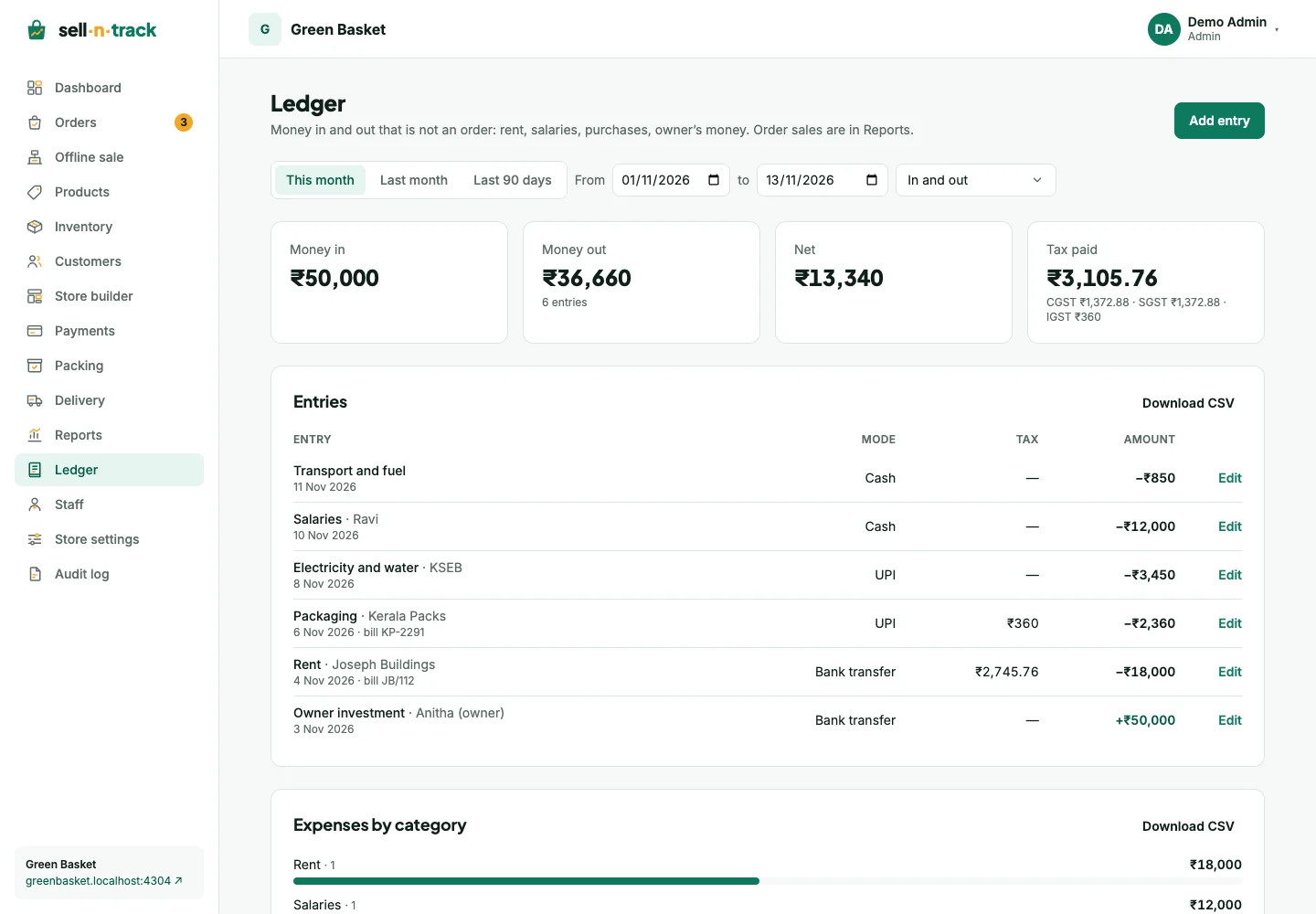
Add an entry
- Open Ledger, then Add entry.
- Choose Money out or Money in.
- Enter the date, category, party and amount. Dates cannot be in the future on the store's clock.
- Choose no tax, a store tax class or Other rates. Say whether the entered amount includes tax or is before tax.
- Add a bill number, reference, note and bill attachments when useful, then save.
For example, ₹118 including GST 18% is ₹100 taxable plus ₹18 tax. ₹100 before that tax becomes ₹118. Review the preview before saving. Interstate GST uses the combined IGST line.
Bill photos and PDFs are private to people allowed to access the ledger. An entry can keep up to five bill files. On a phone, use the bill-photo control when camera access is available.
Review, edit and remove
Filter by date range and money in/out. Categories you have used help with future entry. An edit reopens the amount as it was entered, including before-tax amounts.
An old entry keeps its recorded tax when a reusable rate changes or is deleted. Removing an entry needs permission and confirmation; it leaves the list and totals but remains in the audit history.
Totals and exports
Money in, money out, net and tax breakdowns summarise the selected entries. Category bars show where spending went. Export the entry and category CSVs when needed.
The dashboard's expenses card summarises the current month. If Ledger is missing, ask the administrator about your group's permissions.