
Appearance
Inventory and stock history
Inventory shows what is available to sell and which variants need attention. Stock belongs to the variant, so different sizes or packs can have different balances.
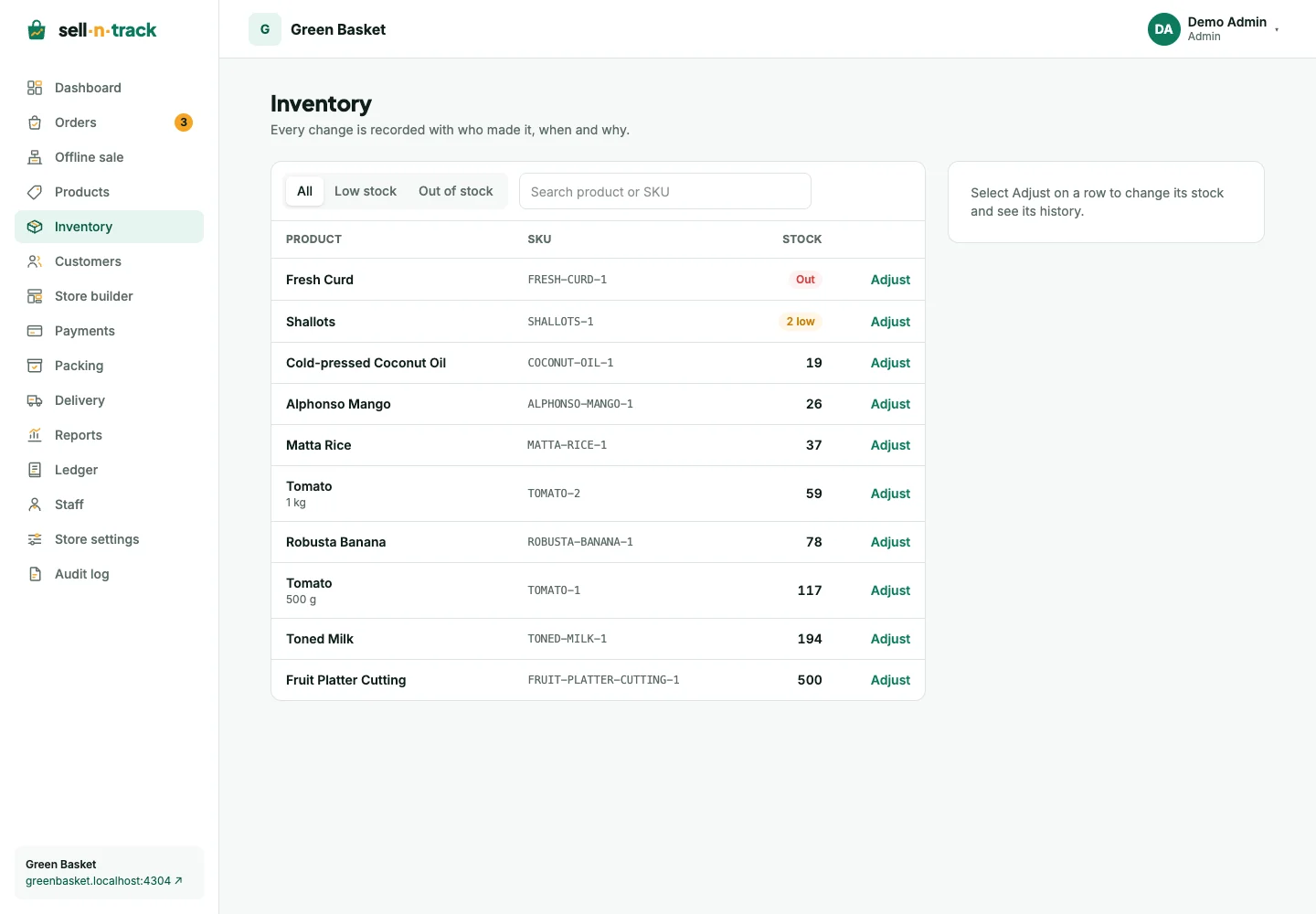
Find a variant
Open Inventory. Search by product name or SKU, or choose Low stock or Out of stock. The low-stock threshold comes from the product's variant settings.
The dashboard's stock alerts link back to the affected product.
Correct a balance
- Choose Adjust for the variant.
- Choose whether to add or remove stock.
- Enter the quantity and a clear reason, such as a delivery received or damaged items.
- Save the adjustment and check the history.
History records the change, resulting balance, reason and person. Removing more than the available balance is refused.
Orders also change stock
Placing an order takes stock. Cancelling a physical-goods order restores it; a return restores it when the returned goods are recorded as picked up. Do not add a second manual adjustment for the same cancellation or return.
For a stock discrepancy, compare the SKU's history with the order's timeline before correcting the balance. See Orders and Returns and refunds.