
Appearance
Sign in and find your way around
The console is for store administrators and staff. Shoppers sign in separately on the storefront with their mobile number.
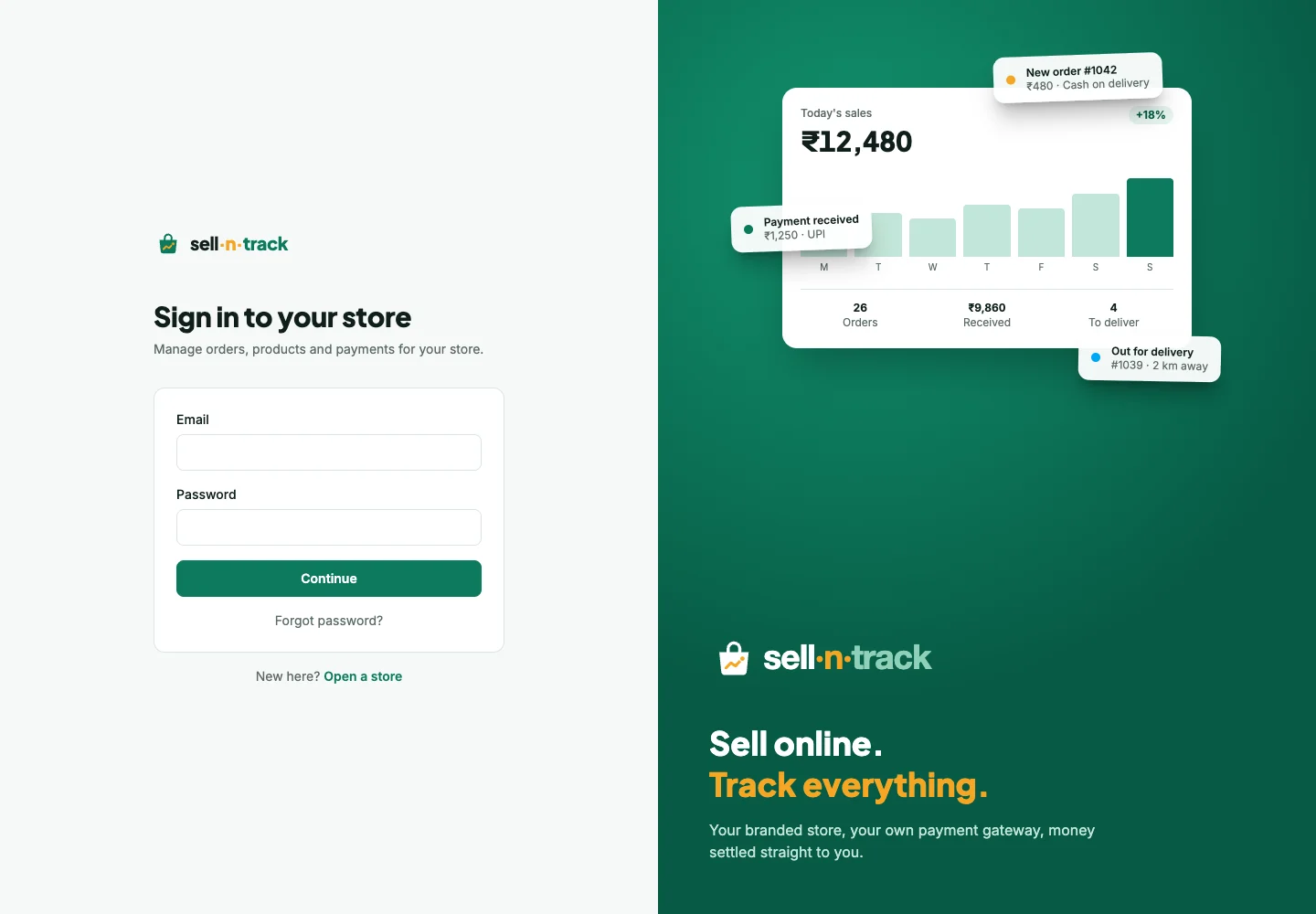
Sign in
- Enter your email and password, then choose Continue.
- Enter the one-time code. It goes to your verified mobile, or to email when a verified mobile is not available.
- Open your store. If you belong to several stores, use the account menu to switch.
A store stays in the address, so two store tabs can remain separate. Check the name in the header before changing anything.
Find a page
The sidebar groups the work: products and inventory, orders, packing and delivery, customers, reports, ledger, staff and settings. Your access group decides which pages you see and which actions you can take.
On a phone, open the menu with the button at the top. Packing and delivery are designed for the person doing the work on a phone.
Your account
Open the account menu for Profile and password or Sign out. Changing your name updates the header. Changing your password signs out your other sessions; the current session stays open.
Use Forgot password? on the sign-in page if needed. A reset link works once, expires after an hour and signs out existing sessions when used.
Lists remember your place
Set filters, then press Search on lists that offer it. Opening an item and using its return link brings you back to the same filters and page. A link to a store you do not belong to will not open that store's data.
If a menu or button is missing, see Troubleshooting.