
Appearance
Take payments
Choose how shoppers pay under Payments. Cash on delivery and direct UPI work without an online gateway account; an online gateway connects to the seller's own account.
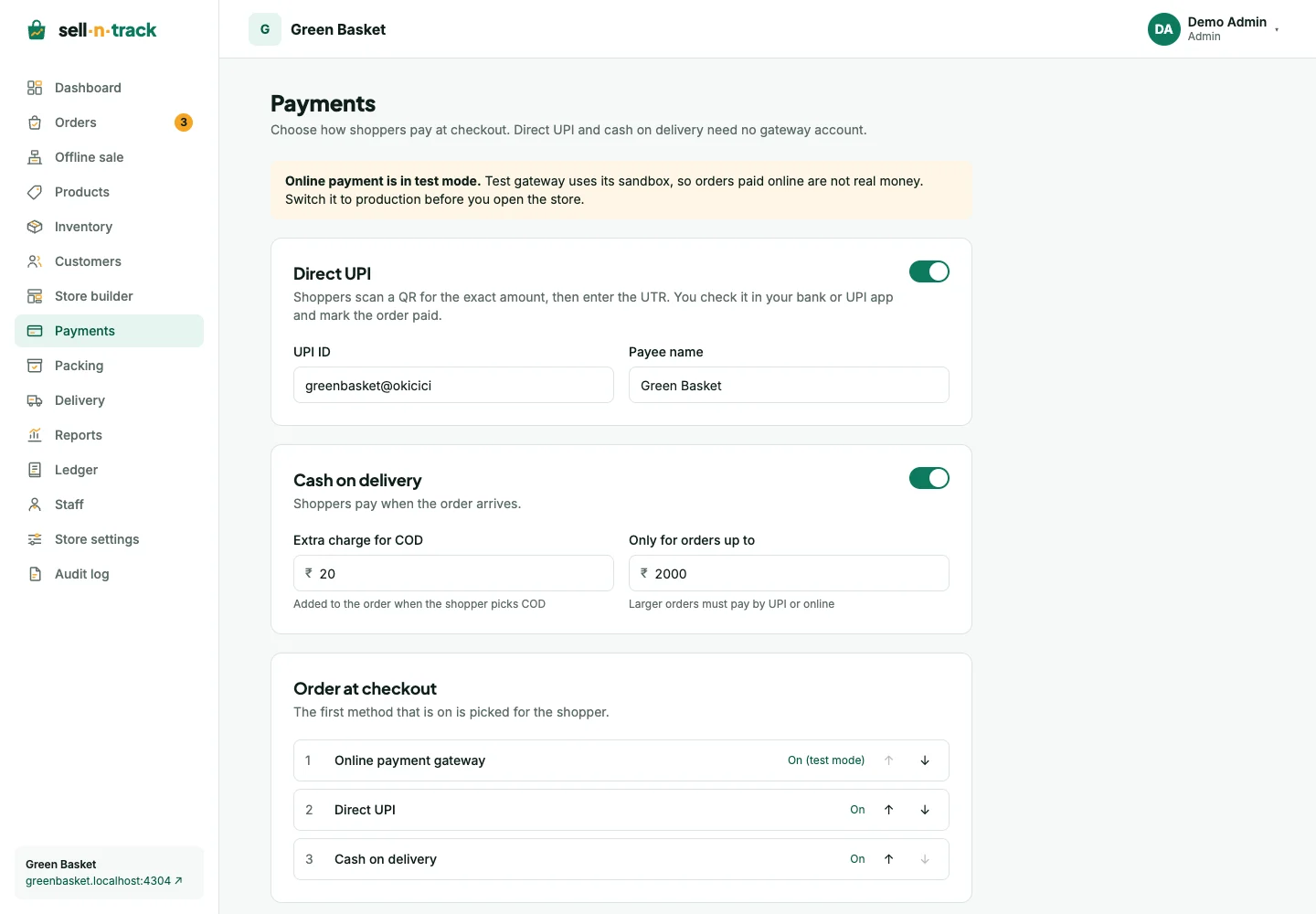
Cash on delivery
Turn on Cash on delivery, then set an optional extra charge and maximum order value. Larger orders need another available method. Save the changes.
The person completing a delivery records how the full amount was collected: cash, UPI or card. Cash received from a team member is recorded separately as a handover. See Packing and delivery.
Direct UPI
- Turn on Direct UPI.
- Enter your UPI ID and payee name, then save.
- The shopper gets a QR code and payment-app link for the order amount.
- They enter the 12-digit UTR after paying.
- Check your bank or UPI app before choosing Mark paid on the order. If the payment did not arrive, choose Not received so the shopper can submit again.
Entering a UTR does not by itself confirm receipt of money. A UTR already used for another payment is refused.
Online payment gateway
Choose Add payment gateway, select Cashfree, and enter the details from your own Cashfree account. Save, then Test connection. A successful test allows Use at checkout.
Use the displayed webhook URL in your gateway setup. Saved secret fields are write only: the edit form leaves them blank and indicates when a value is already saved. Leave a saved secret blank to keep it.
Sandbox payments are tests, not real money. The development-only test gateway is for trying Pay and Fail locally; it is not a live payment method.
Method order and availability
Move methods up or down to choose the default offered to the shopper. Save the order. If no method is on, shoppers cannot place orders. If COD is the only available method, the console explains that shoppers pay at the door.
An online order awaits payment until the gateway confirms it. For failed payments, retries and refunds, see Orders and Returns and refunds.